Start with iPhone
Your desktop, apps, and projects travel with you.
A pro desktop, powered by iPhone
InfiniteX2P Pro transforms iPhone into a desktop-class workspace—with a menu bar, Dock, windows, multiple desktops, and pro creative tools ready for the display on your desk.
Start on iPhone. Expand to an external display. Add keyboard and pointer when you want them.
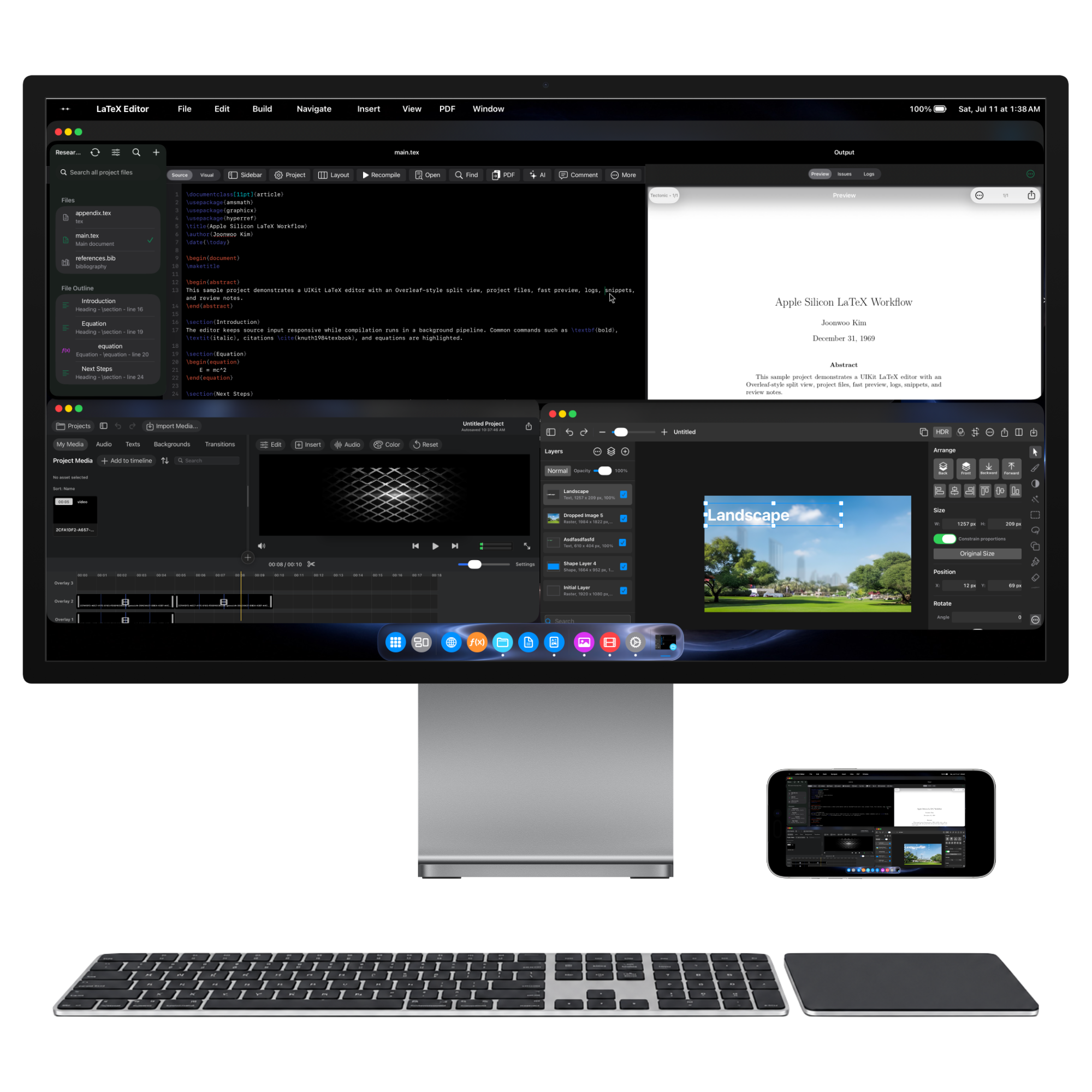
iPhone is the computer
Connect iPhone to a display and InfiniteX2P Pro opens into a full desktop workspace. The phone stays at the center—powering every window, desktop, file, and creative tool.
Your desktop, apps, and projects travel with you.
Give windows, timelines, and canvases room to expand.
Add keyboard and pointer for familiar precision.
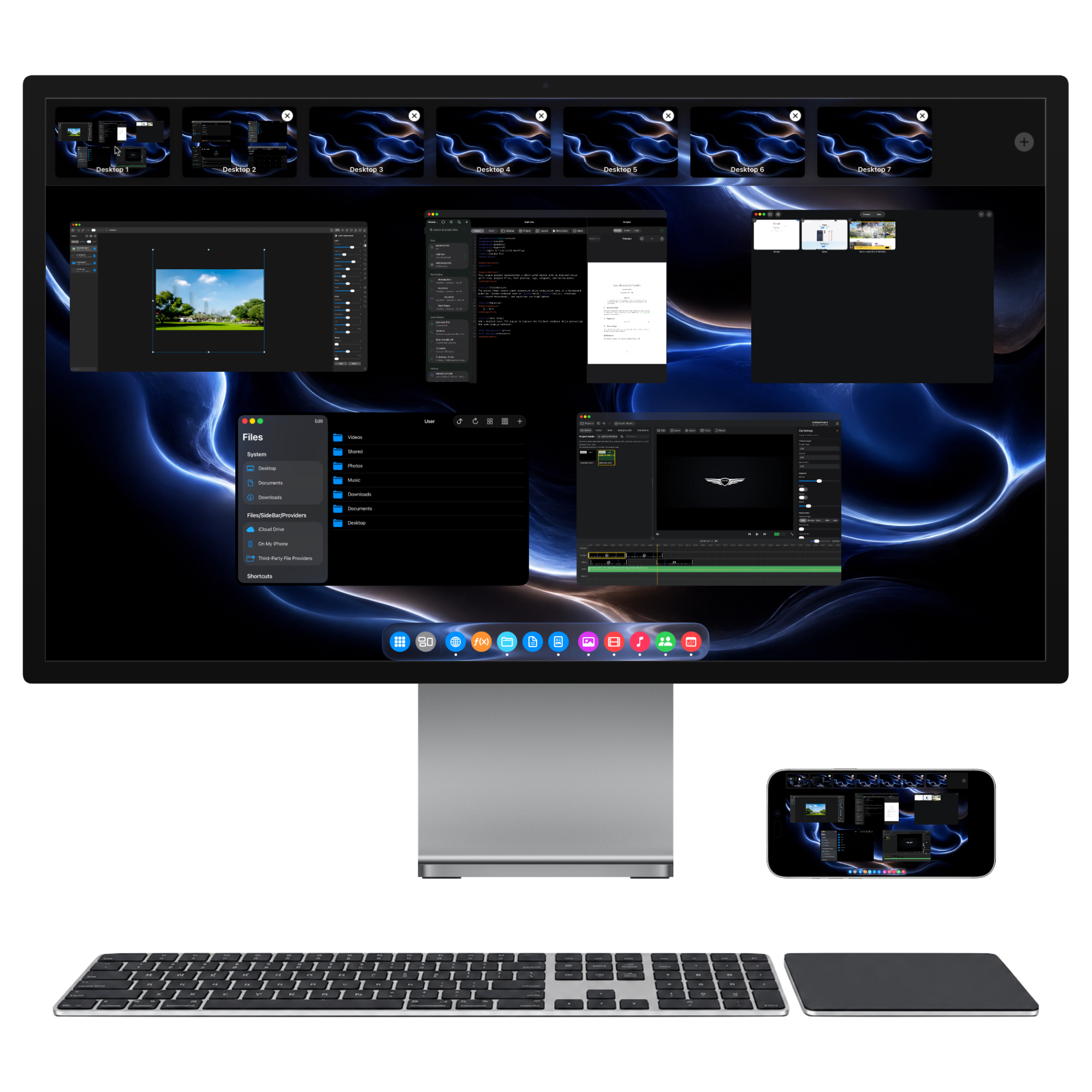
AR Glass workflow
Use compatible display-style AR glasses as your wearable external screen. iPhone powers InfiniteX2P Pro while a physical mouse and keyboard keep every window precise.
Use glasses that accept external video from iPhone through a supported cable or adapter.
Control the desktop with familiar pointer precision and hardware keyboard input.
Put windows, Mission Control, web apps, and creative tools into a focused private view.
Compatibility depends on the AR glasses, iPhone model, and connection hardware. AR glasses must support use as an external display.
A familiar desktop on iPhone
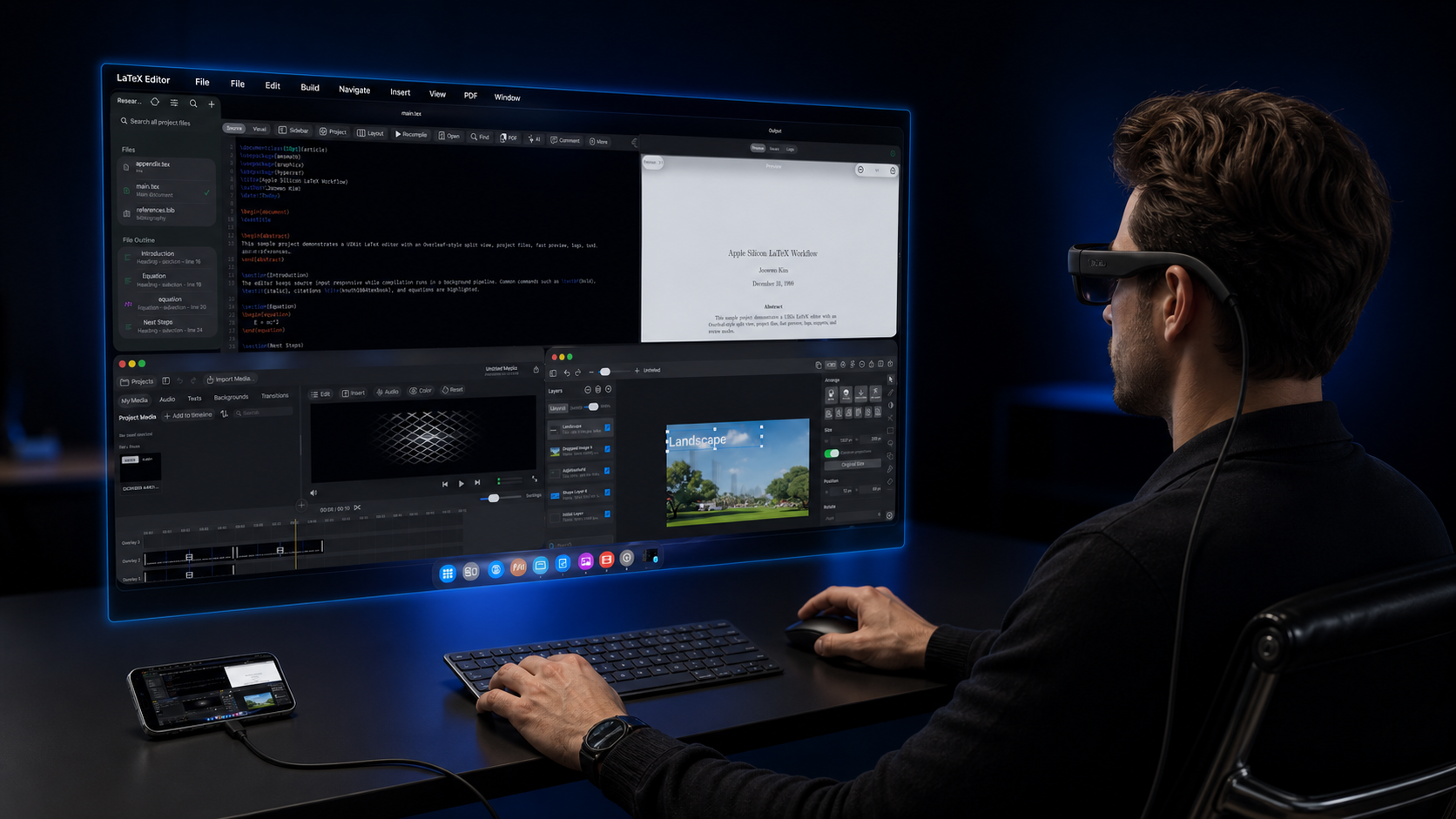
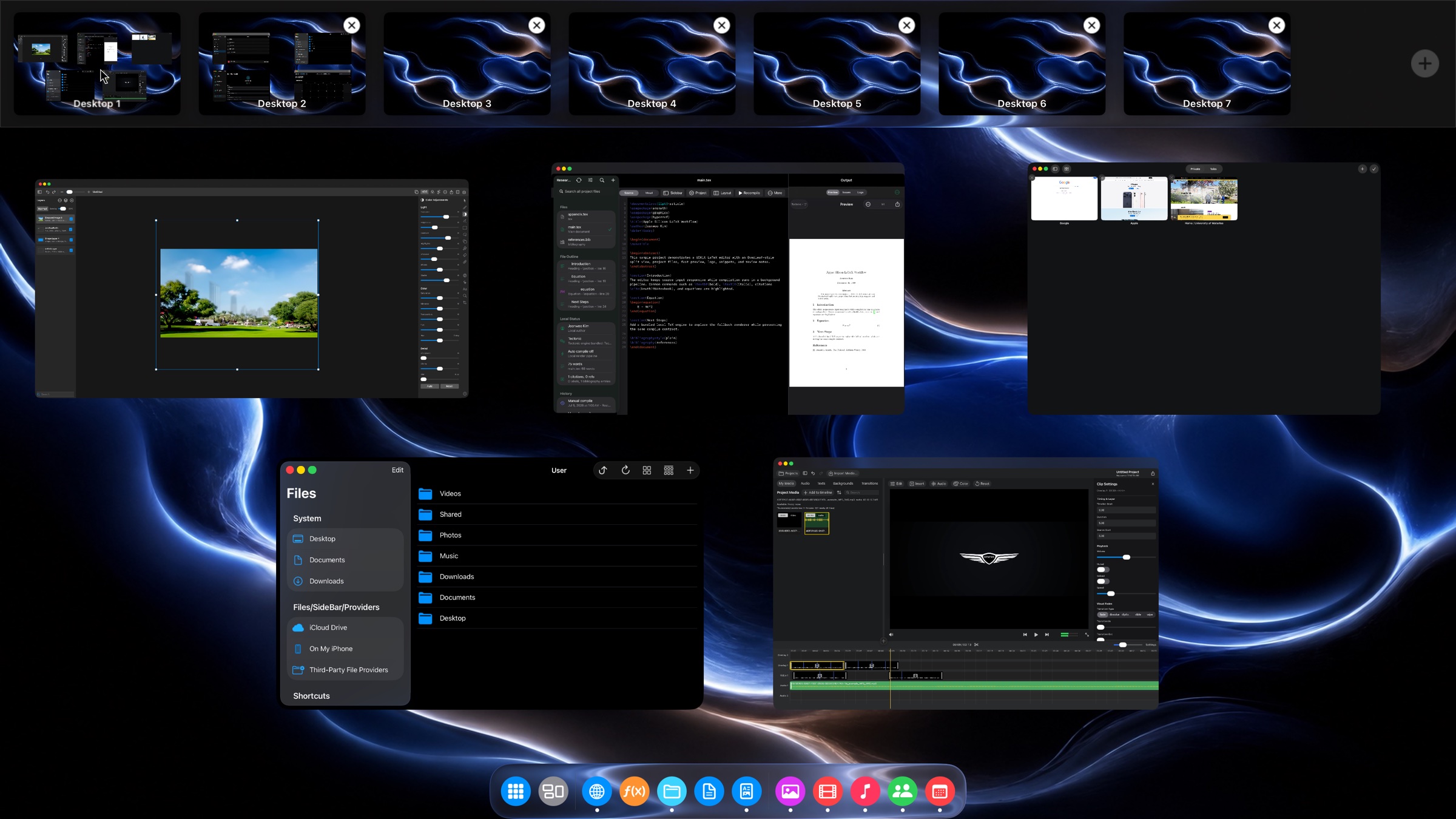
A menu bar, Dock, resizable windows, and Mission Control bring a familiar desktop rhythm to the iPhone you already carry.
Spread apps across multiple desktops, arrange them around the way you think, then pull the full workspace back into view.
Familiar window controls meet the precision of mouse input, with keyboard shortcuts ready when you want them.
Keep your essential apps close, see what is active, and move between tools without breaking concentration.
Bring the workspace to an external display and give complex documents, timelines, and canvases the room they deserve.
The built-in creative suite
Purpose-built spaces for technical writing, visual design, video production, and web apps—all inside the same desktop.
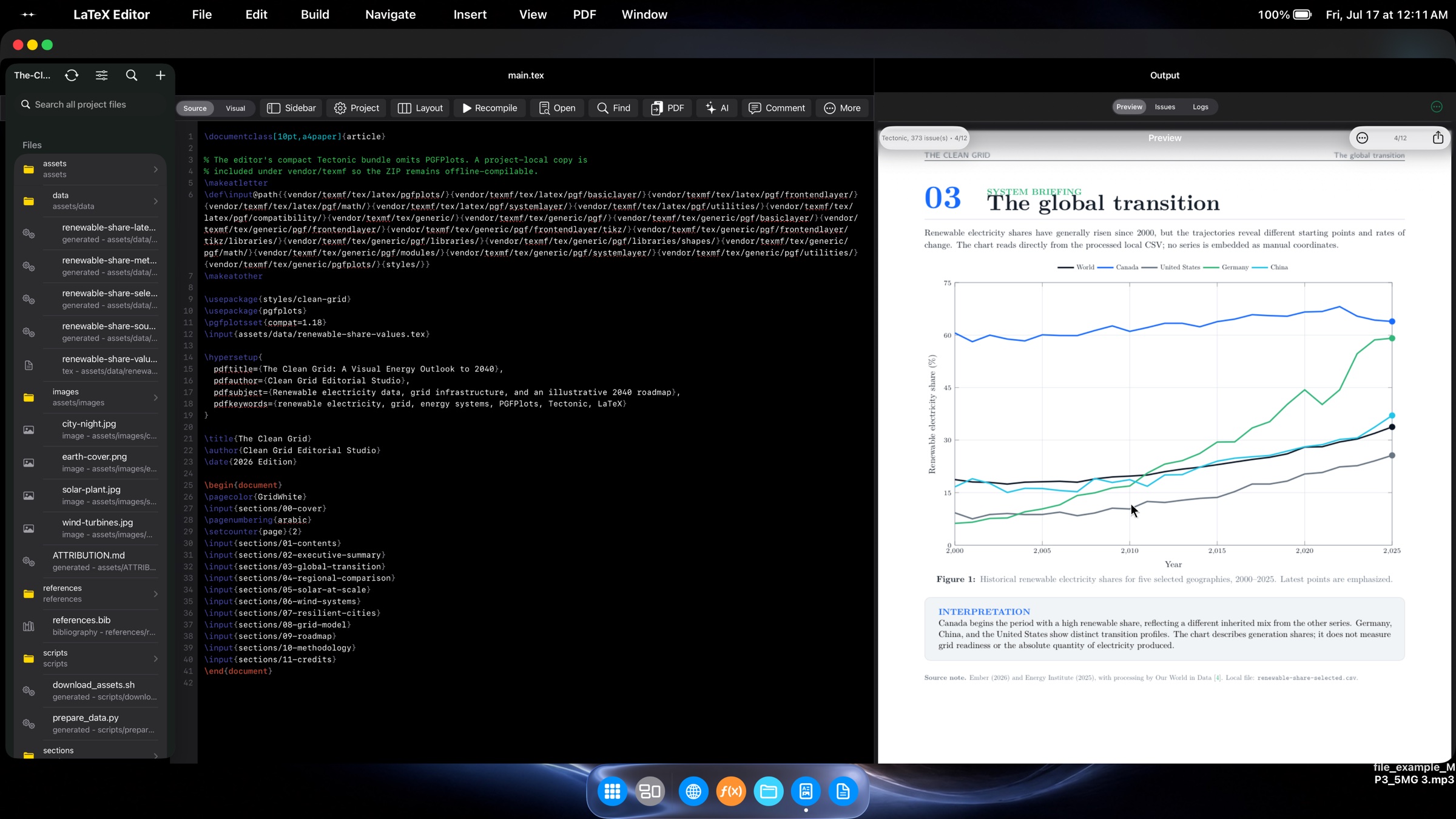
LaTeX Editor
Keep project files, source, and a live PDF preview together in a focused split workspace built for serious documents.
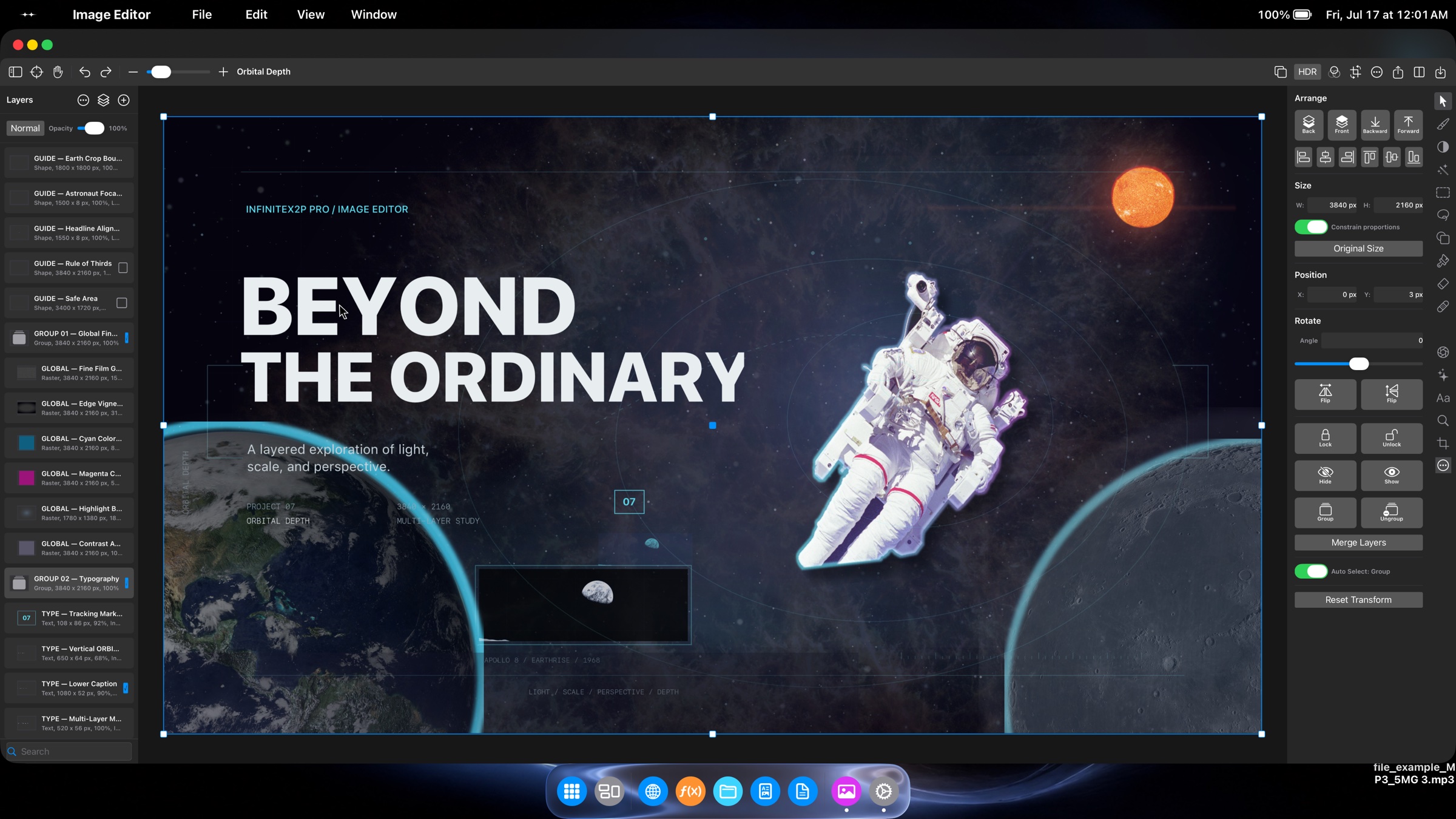
Image Editor
Compose with layers, transforms, alignment tools, and precise controls in a canvas that feels at home on a large display.
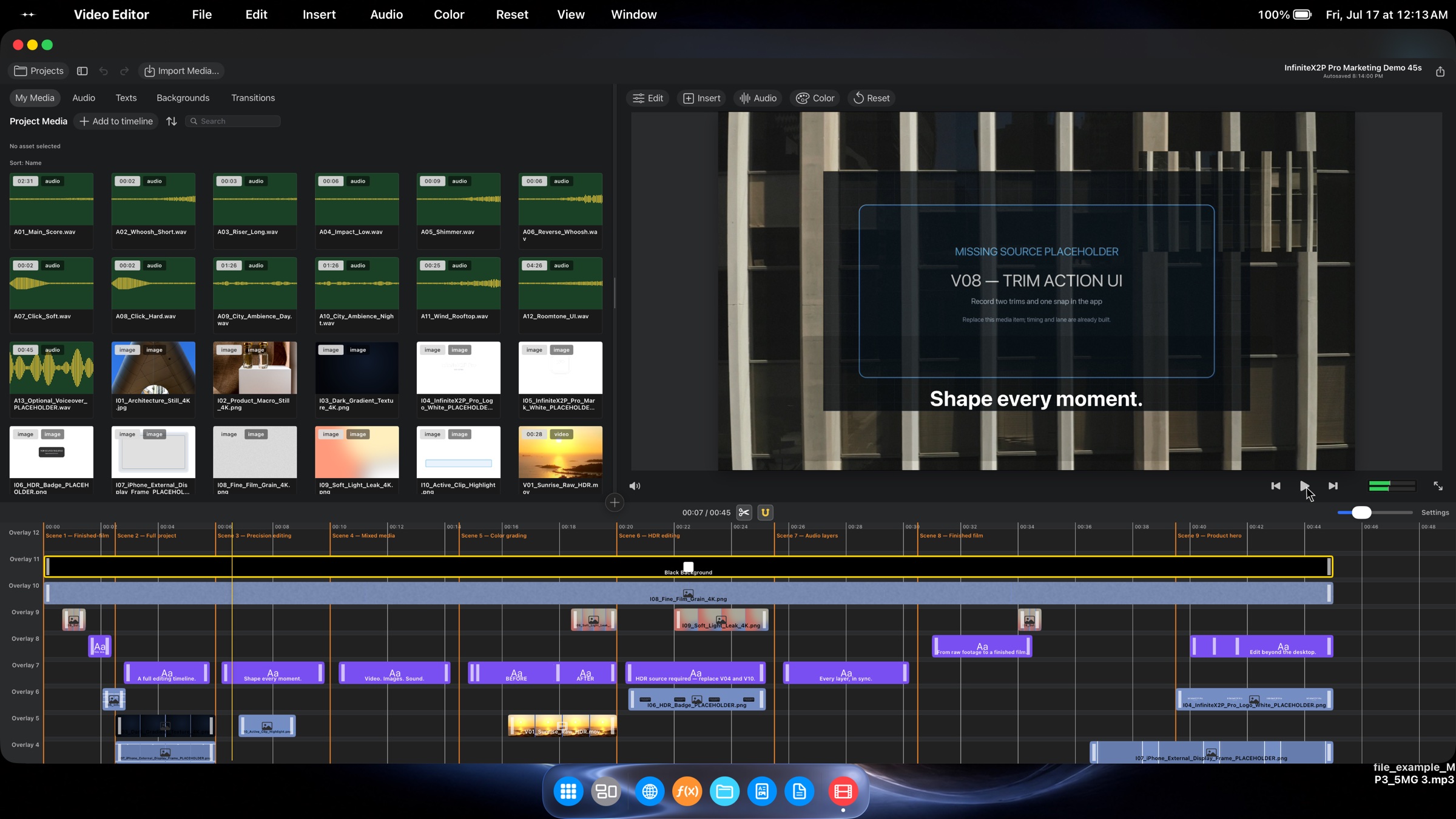
Video Editor
Organize media, layer picture and sound, tune color, and move from rough cut to finished sequence in a single workspace.
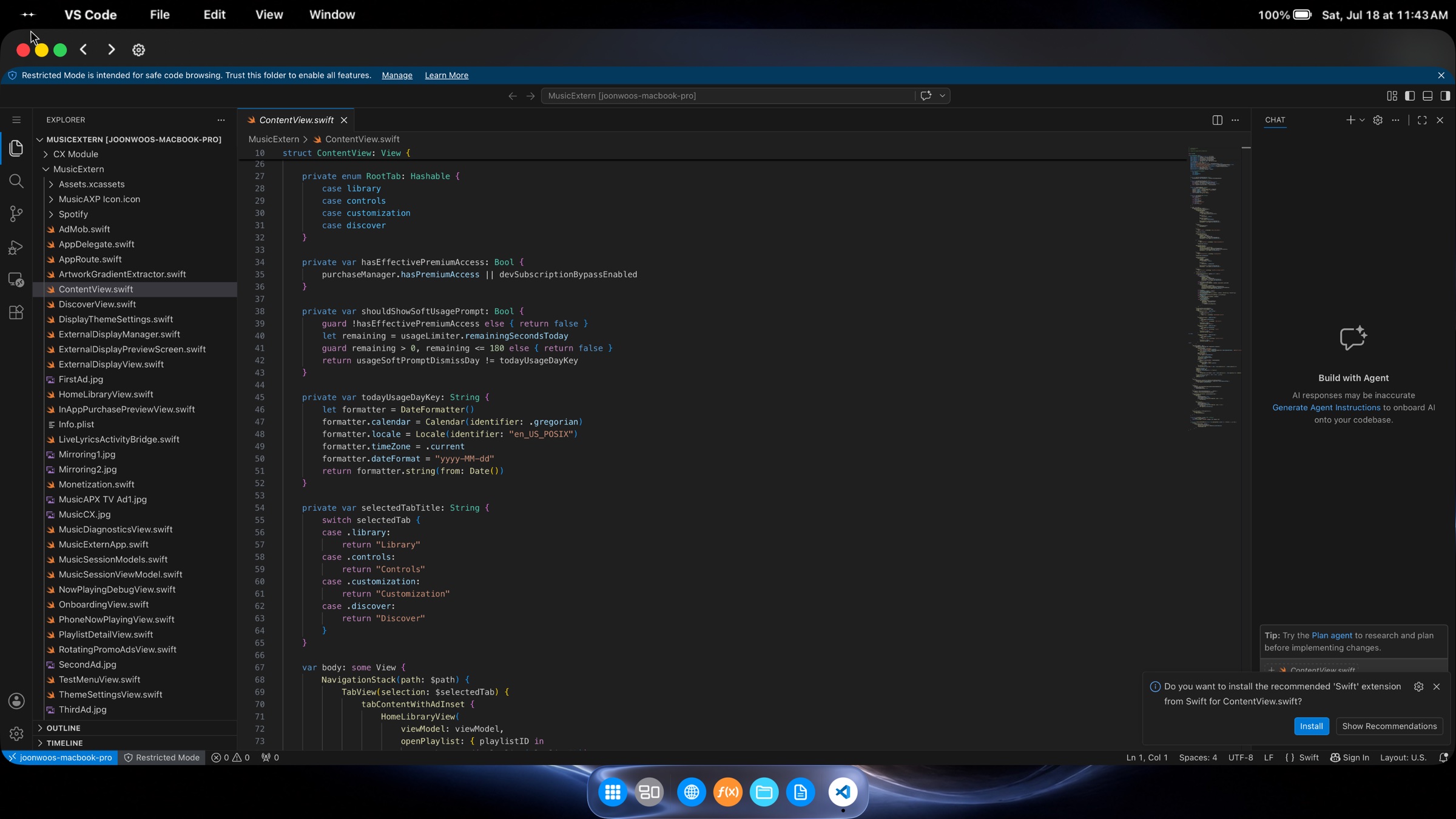
Web App Workspace
Open powerful web apps alongside the rest of your workflow, with desktop-sized space to navigate, create, and get work done.
The complete view
Start with a clean desktop. Build up the workspace you need. Move between both without losing your place.
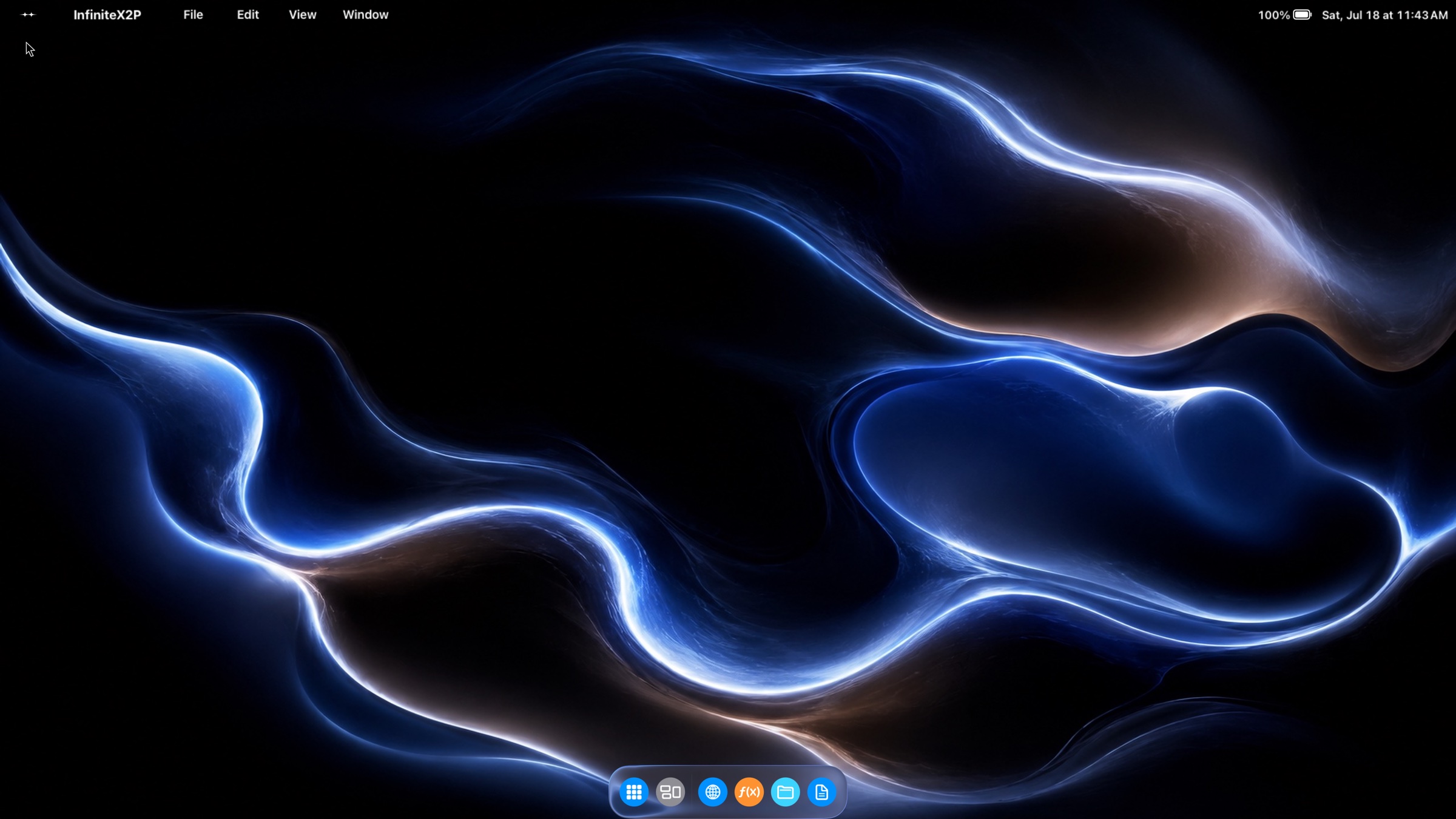
Designed as a system
InfiniteX2P Pro brings the pieces together so each tool feels connected to the same environment—not trapped in its own app.
App commands stay visible and organized at the top.
Arrange several tools at once and keep context in view.
See windows and desktops together before you switch.
Keep documents and media close to every creative tool.

InfiniteX2P Pro
Carry the computer. Connect the display. Open a pro desktop built for deep focus, ambitious projects, and what comes next.
Download on the App Store